
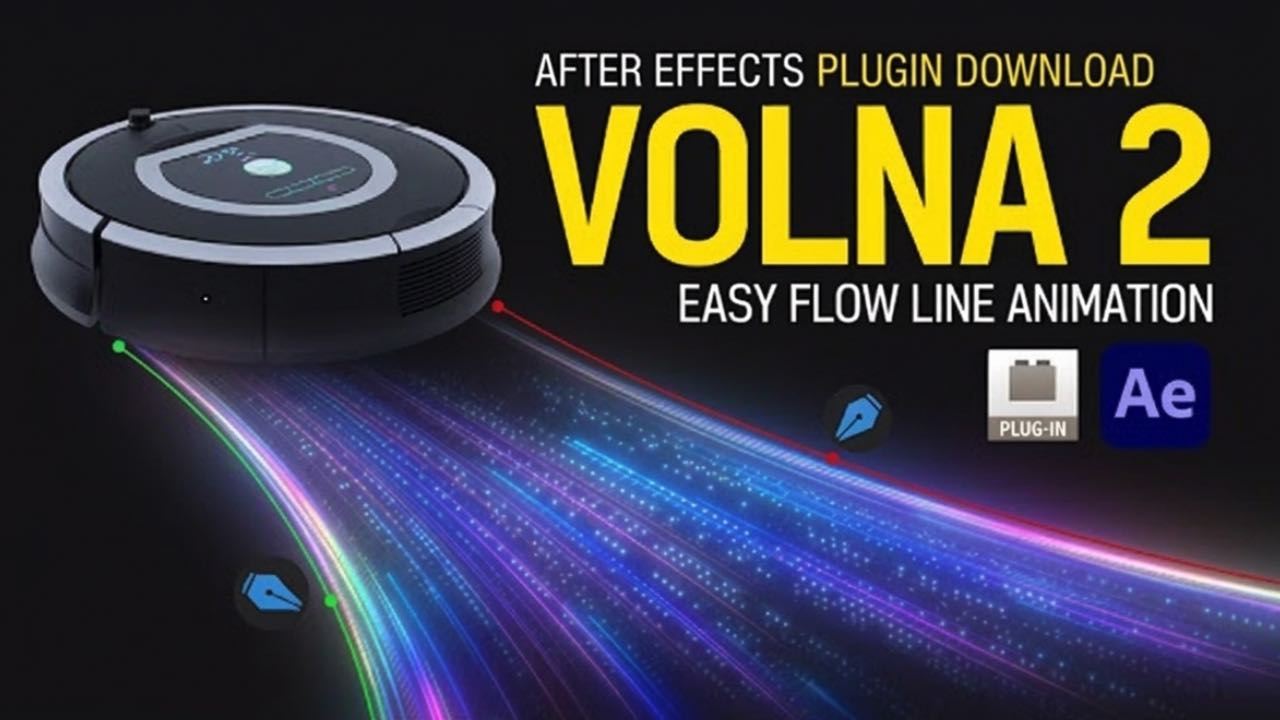
If you work with motion graphics or visual effects, you already know that Adobe After Effects plugins can make your workflow faster and more powerful. One plugin that has gained attention among motion designers is Volna 2, a powerful stroke animation plugin for After Effects.
This plugin helps you create beautiful animated lines, abstract motion graphics, and complex stroke effects using simple masks. Whether you are making tech intros, explainer videos, logo animations, or creative motion backgrounds, Volna 2 After Effects plugin gives you advanced tools to design stunning animations.
In this article, we will explore what the Volna 2 plugin is, its main features, how it works, system requirements, installation guide, and why it is becoming popular among motion designers.
What is Volna 2 After Effects Plugin
Volna 2 is an advanced stroke and mask animation plugin designed for Adobe After Effects. It allows users to transform simple mask paths into dynamic animated strokes and shapes. The plugin can blend one or two masks together and generate multiple customizable strokes with gradients, noise, and distortion effects.
Instead of manually creating complex line animations, the plugin automatically converts masks into animated lines and shapes. This makes it very useful for motion designers who want to create modern motion graphics quickly.
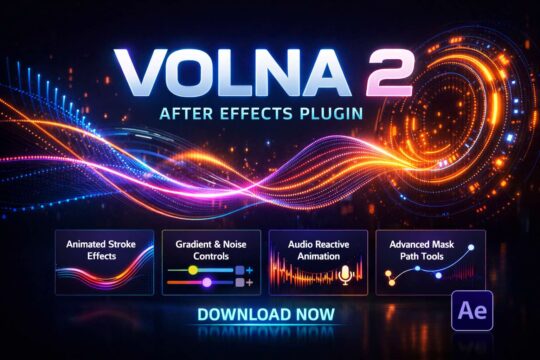
With Volna 2, you can easily produce:
- Animated line waves
- Tech style motion graphics
- Data visualization animations
- Creative abstract backgrounds
- Dynamic logo animations
- Smooth flowing lines
Many designers use the Volna 2 AE plugin to create modern UI animations, music visualizations, and futuristic tech graphics.

Why Volna 2 is Popular Among Motion Designers
Motion designers often need to create clean animated strokes and lines. While After Effects has built-in tools, they can be slow and limited for complex designs.

Volna 2 solves this problem by providing:
- Faster stroke animation workflow
- Advanced gradient controls
- Noise and distortion effects
- Audio-driven animation options
- Multiple stroke customization
The plugin allows artists to convert simple masks into animated strokes with customizable thickness, gradients, and distortion effects.
Because of these features, it has become a must-have After Effects plugin for motion graphics artists.
Trending Uses of Volna 2 in Motion Graphics
Today, many creators use the Volna 2 plugin in After Effects for modern motion graphics. Some trending uses include:
Animated Tech Lines
Volna 2 is perfect for creating futuristic animated lines used in tech intros, digital interfaces, and sci-fi graphics.
Abstract Motion Backgrounds
Motion designers often create abstract animated backgrounds for YouTube videos, presentations, and commercials.
Data Visualization Animation
The plugin is also used to animate graphs, waves, and information lines in explainer videos.
Music Visualizers
Volna 2 can create dynamic waves and lines that react to sound, which makes it useful for music visualizations.
Logo Animations
Designers can create smooth line-based logo animations using mask strokes.
These creative uses make Volna 2 one of the best motion graphics plugins for After Effects.
Main Features of Volna 2 Plugin
Volna 2 comes with many powerful features that allow motion designers to create professional animations quickly.
Mask-Based Stroke Animation
The plugin works with mask paths inside After Effects. You can draw a mask and the plugin will convert it into animated strokes.
You can also blend two masks together to create complex shapes and motion paths.
This feature makes it very easy to design flowing lines and abstract shapes.
Gradient Stroke Controls
Volna 2 includes a powerful gradient system. Each stroke can be filled with customizable gradients that support multiple colors.
Users can add unlimited color points and adjust interpolation modes for smooth color transitions.
This helps designers create colorful and stylish motion graphics.
Thickness Ramp Animation
Another important feature is thickness ramp control.
This allows users to animate stroke thickness along the path. Lines can become thinner or thicker across the animation.
This feature is very useful for:
- Hand-drawn effects
- Creative line animations
- Smooth flowing motion graphics
Noise and Distortion Effects
Volna 2 also includes noise distortion tools that add organic motion to strokes.
Users can control parameters like:
- Noise amplitude
- Frequency
- Offset
- Evolution
These controls allow designers to create artistic and unique stroke effects.
Parametric Arrow Controls
The plugin allows you to add animated arrows at the end of strokes.
These arrows are fully customizable and can be animated individually.
This feature is very helpful when creating:
- Infographics
- Presentation animations
- Data flow graphics
Points Mode
Volna 2 also includes points mode, where strokes can appear as animated dots or particles instead of lines.
These points can rotate along paths and include random rotation effects for more dynamic animations.
Audio-Driven Animation
One advanced feature of the plugin is audio-driven noise animation.
The plugin can react to sound and modify stroke parameters like amplitude and noise frequency.
This makes it ideal for creating music visualizers and sound-based animations.
System Requirements
Before installing the plugin, make sure your system supports it.
Supported Software
Volna 2 supports many versions of After Effects including:
- After Effects 2025
- After Effects 2024
- After Effects 2023
- After Effects 2022
- After Effects 2021
- After Effects 2020
Older versions such as CC 2019 and CC 2018 may also work depending on the plugin version.
Supported Operating Systems
The plugin works on:
- Windows
- macOS
How to Install Volna 2 After Effects Plugin
Installing the plugin is simple. Follow these steps.
Step 1
Download the Volna 2 plugin file from the download section.
Step 2
Extract the downloaded RAR file using WinRAR or another extraction tool.
Step 3
Copy the plugin file.
Step 4
Paste it into the After Effects plugin folder:
Windows:
C:\Program Files\Adobe\Common\Plug-ins\7.0\MediaCore
Mac:
/Library/Application Support/Adobe/Common/Plug-ins/7.0/MediaCore
Step 5
Restart After Effects and the plugin will appear in the effects panel.
How to Use Volna 2 in After Effects
Using the plugin is easy even for beginners.
Step 1
Create a new composition.
Step 2
Draw a mask path on a layer.
Step 3
Apply the Volna 2 plugin to the layer.
Step 4
Adjust stroke settings like:
- thickness
- gradient
- noise
- arrows
Step 5
Animate parameters to create motion graphics.
Within minutes, you can create beautiful animated lines and shapes.
Why You Should Use Volna 2 Plugin
Many After Effects users choose Volna 2 because it saves time and adds creative flexibility.
Here are some reasons why it is worth using.
Faster Workflow
Complex stroke animations can be created quickly.
Professional Motion Graphics
The plugin helps create high-quality motion graphics for videos and presentations.
Advanced Customization
Almost every parameter can be adjusted and animated.
Lightweight Plugin
The plugin file size is very small and runs smoothly.
Best Projects to Use Volna 2 Plugin
Here are some project ideas where Volna 2 works perfectly.
- YouTube intro animations
- Motion graphics for social media
- Tech and futuristic animations
- Animated infographics
- Data visualization videos
- Music visualizers
- Creative logo animations
These projects benefit greatly from animated line effects in After Effects.
Volna 2 Plugin Download
You can download the Volna 2 After Effects plugin from the download section below.
After downloading, follow the installation steps provided above to start using the plugin.
This plugin is a great addition to your After Effects motion graphics toolkit.
Frequently Asked Questions (FAQ)
Volna 2 is normally a paid plugin, but some websites provide downloadable versions for testing or learning purposes. It’s free here..
Yes, newer versions of the plugin support recent After Effects versions including AE 2025.
Yes. Even beginners can use the plugin easily because it works with simple mask paths.
You can create animated strokes, waves, abstract shapes, tech graphics, and motion backgrounds.
Yes. It is widely used by motion designers to create modern animated lines and abstract motion graphics.