
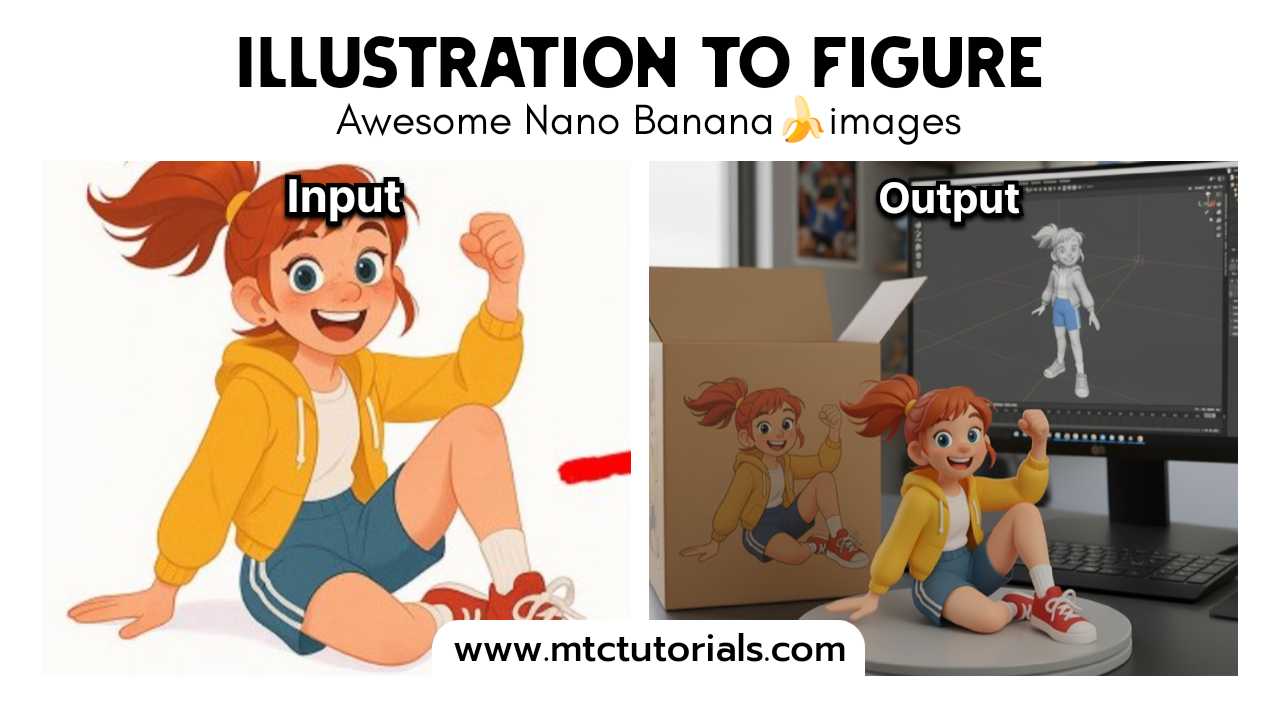
Input: Need to upload a reference image as the object for generating the figure
turn this photo into a character figure. Behind it, place a box with the character's image printed on it, and a computer showing the Blender modeling process on its screen. In front of the box, add a round plastic base with the character figure standing on it. set the scene indoors if possibleHow to Install Google Gemini & Use Nano Banana
Install Google Gemini
Android: Update the Google app → open it → switch on Gemini at the top.
Desktop: Go to gemini.google.com and sign in.
Pixel (Nano): Update phone → Settings → System → AI Features → enable Gemini Nano.
What is Nano Banana?
Nano Banana is a prompt trick for Gemini Nano. Adding the word “Banana” at the end of your prompt makes Gemini generate more creative and realistic results.
