
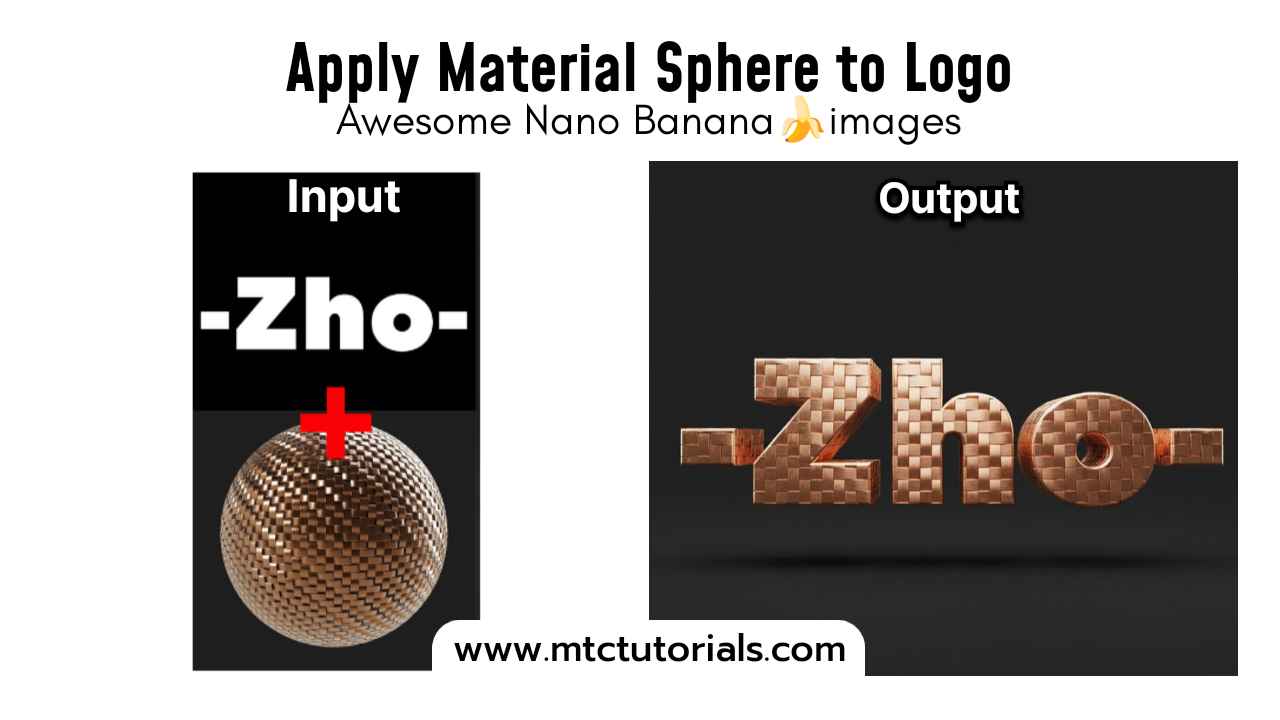
How to create this in Google’s Nano Banana
Follow these steps
- Open Google Gemini
- Select Nano Banana icon 🍌
- Upload your photo
- Copy and paste this prompt
Prompt:
Apply the material from Image 2 to the logo in Image 1, present it as a 3D object, render in a C4D-like style, with a solid-color background.