
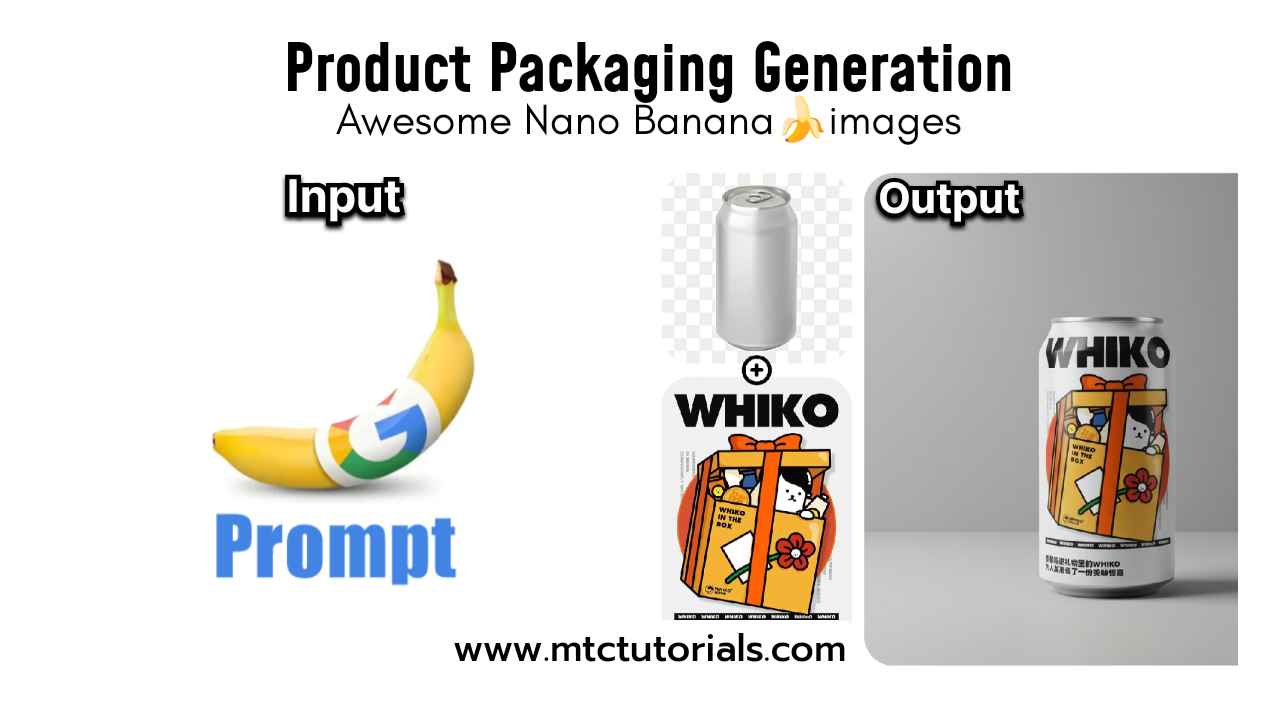
How to create this in Google’s Nano Banana
Follow these steps
- Open Google Gemini
- Select Nano Banana icon 🍌
- Upload your photo
- Copy and paste this prompt
Prompt:
Apply the design from Image 1 to the can in Image 2, and place it in a minimalist design setting, professional photography