
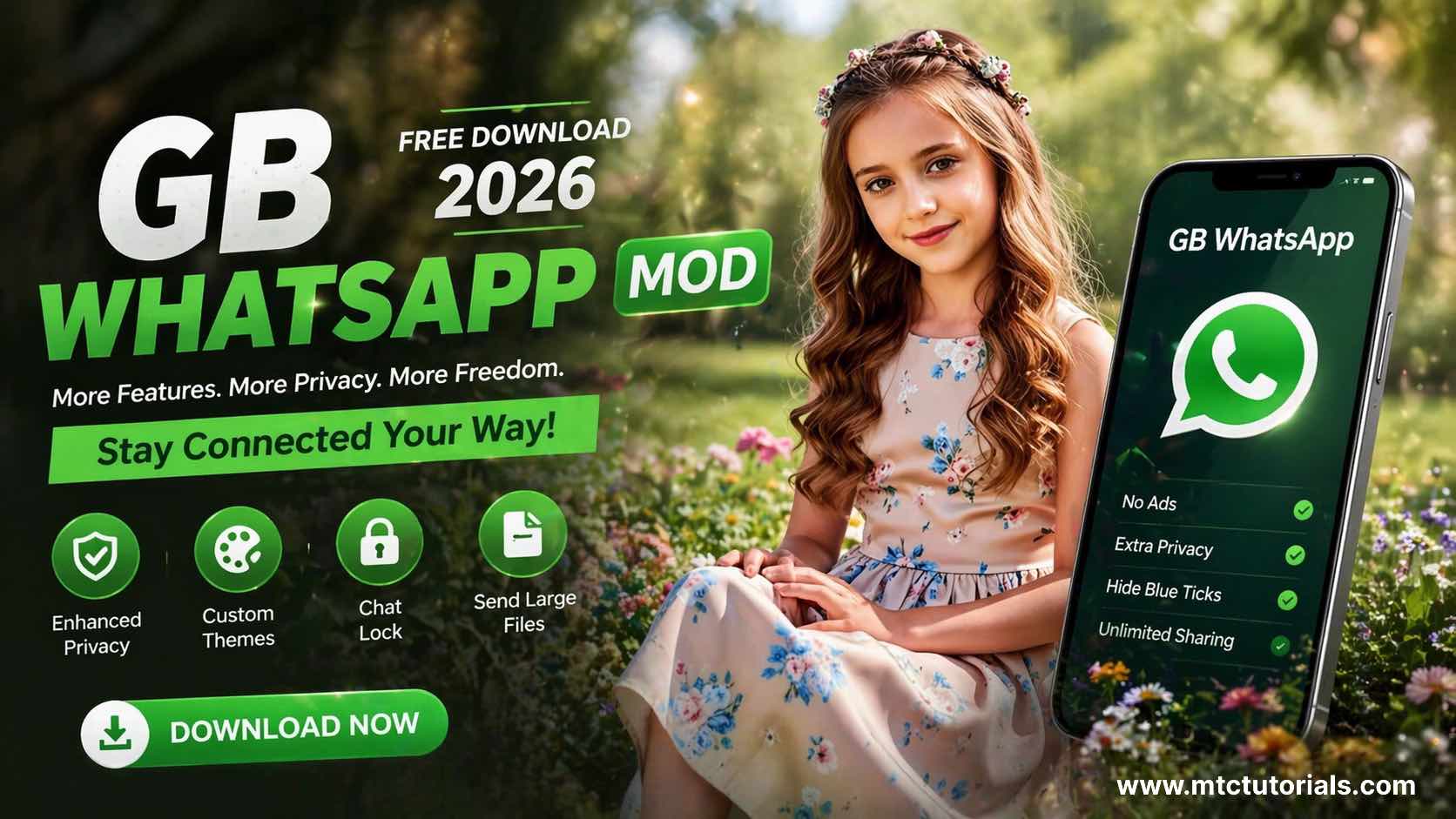
WhatsApp is the most used messaging app in the world. But honestly? Its features are pretty limited. No message scheduling, no custom themes, no hiding your online status the list goes on. That’s exactly why millions of people search for GB WhatsApp MOD free download every single month.
If you’ve landed here, chances are you already know what GB WhatsApp is, or you’ve at least heard about it. In this guide, I’m going to break down everything what it is, what features it offers, how to download and install it, and what you should know before using it.
Let’s get into it.
What Is GB WhatsApp?
GB WhatsApp is a modified version of the original WhatsApp application. It’s built on WhatsApp’s core code but comes packed with extra features that the official app simply doesn’t offer. Developers like AlexMODs and HeyMods have been releasing updated versions of this app for years, and it’s become incredibly popular — especially in South Asia, the Middle East, and Latin America.
The app looks and feels almost identical to regular WhatsApp. You use your same phone number, same contacts, and the same familiar interface. But underneath, it’s a completely different experience.
Why Do People Download GB WhatsApp MOD?
Here’s the honest truth — people aren’t downloading GB WhatsApp just because it sounds cool. They’re downloading it because it solves real frustrations that WhatsApp refuses to fix in its official app.

Think about it. How many times have you wanted to:

- Hide that you’re online while still reading messages?
- Send a video file larger than 16MB?
- Use two WhatsApp accounts on one phone?
- Schedule a message to send later?
- Customize your chat interface the way YOU want it?
WhatsApp doesn’t let you do any of that. GB WhatsApp does. That’s the whole appeal.
Top Features of GB WhatsApp MOD
This is the part most people are here for. The GB WhatsApp MOD free download comes loaded with features. Here’s a breakdown of the best ones:
1. Dual WhatsApp on One Device
Run two WhatsApp accounts simultaneously on a single phone. Perfect if you have a personal and a work number.
2. Hide Online Status & Blue Ticks
You can read messages without sending read receipts. You can also hide your “last seen” and appear offline even while you’re actively chatting.
3. Custom Themes
GB WhatsApp has a built-in theme store with hundreds of themes. Change colors, fonts, icons, and backgrounds however you like.
4. Increased File Sharing Limits
Send videos up to 50MB, audio files up to 100MB, and share up to 90 images at once — compared to WhatsApp’s much stricter limits.
5. Message Scheduler
Set a time and date for your messages to be sent automatically. Super useful for birthday wishes, reminders, or business messages.
6. Anti-Delete Messages
When someone deletes a message, you can still see it. This feature alone makes a lot of people switch to GB WhatsApp.
7. DND Mode (Do Not Disturb)
Block internet access for GB WhatsApp only, without turning off Wi-Fi for your entire phone.
8. Ghost Mode
Go completely invisible — no last seen, no online status, no typing indicator. Full privacy.
9. Longer Status Duration
Upload WhatsApp Status videos up to 7 minutes long instead of the standard 30 seconds.
10. Auto-Reply Feature
Set automatic replies for when you’re busy. Very handy for small business owners.
How to Download and Install GB WhatsApp MOD for Free
Since GB WhatsApp isn’t available on the Google Play Store, you’ll need to download the APK file manually. Here’s a simple step-by-step process:
Step 1 – Backup Your Chats
Before anything else, open your official WhatsApp, go to Settings → Chats → Chat Backup, and create a full backup. This way you won’t lose any conversations.
Step 2 – Enable Unknown Sources
Go to your phone’s Settings → Security → Enable “Install from Unknown Sources.” This allows you to install APK files from outside the Play Store.
Step 3 – Download the GB WhatsApp APK
Search for the latest version of the GB WhatsApp MOD free download APK from a trusted source. Always make sure you’re downloading the most recent version to avoid bugs or outdated builds.
Step 4 – Install the APK
Locate the downloaded file in your file manager and tap on it to begin installation. Follow the on-screen prompts.
Step 5 – Verify Your Number
Open GB WhatsApp, enter your phone number, and verify it via OTP — just like you would with regular WhatsApp.
Step 6 – Restore Your Backup
When prompted, restore your chat backup so all your old messages appear.
That’s it. You’re good to go.
Things You Should Know Before Using GB WhatsApp
Look, I want to be real with you here. GB WhatsApp is a powerful app with amazing features, but there are a few things worth knowing before you install it.
Account Ban Risk
WhatsApp has been cracking down on third-party MOD apps. There’s a chance — not guaranteed, but possible — that your account could get a temporary or permanent ban. Newer versions of GB WhatsApp include anti-ban protection, which reduces this risk significantly.
No Play Store Updates
Unlike regular apps, GB WhatsApp doesn’t update automatically. You’ll need to manually download new versions when they’re released. Make sure you keep it updated for the best experience and security.
Download From Trusted Sources Only
This is important. Don’t just download GB WhatsApp from any random website. Stick to well-known, frequently updated sources to avoid tampered APK files.
Not Suitable for Highly Sensitive Conversations
If you’re using WhatsApp for highly sensitive professional or personal communication, stick to the official app. For everyday use, GB WhatsApp works fine for most people.
Frequently Asked Questions
Yes, the GB WhatsApp MOD free download is completely free. There are no hidden charges or subscriptions.
There’s always a small risk, but the latest versions come with anti-ban features that protect most users. Millions of people use it daily without any issues.
Yes! That’s actually one of its most popular features — you can run both apps on the same device with different numbers.
GB WhatsApp is primarily built for Android. iOS (iPhone) users don’t have an equivalent option due to Apple’s restrictions on APK installations.
You’ll need to manually download the latest APK whenever an update is released, then install it over your existing version without uninstalling.
Final Thoughts
If you’ve been frustrated with WhatsApp’s limitations, it’s easy to see why the GB WhatsApp MOD free download has become so popular. The extra features — especially the privacy controls, dual account support, and anti-delete messages — are genuinely useful for everyday users.
Just make sure you download it from a reliable source, keep it updated, and be aware of the small risks involved. For most casual users, GB WhatsApp delivers a significantly better messaging experience than the standard app.
If you found this guide helpful, check out more tutorials and app guides right here on MTC Tutorials — your go-to place for practical tech content.