
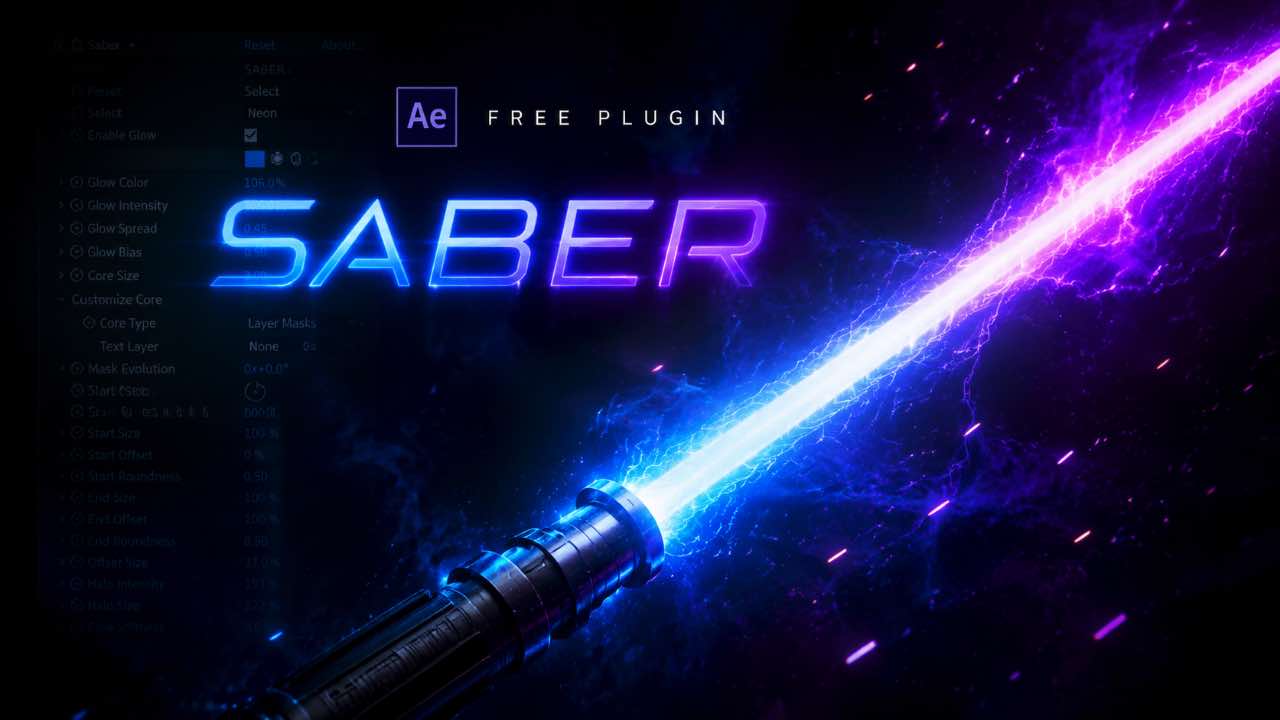
If you want to create glowing energy beams, neon light effects, or sci-fi animations inside After Effects, you need the Saber plugin. The best part? It is completely free. Video Copilot released Saber as a free plugin and it became one of the most downloaded After Effects tools ever made.
In this guide, you will learn everything about Saber, what it does, how to download it, how to install it, and how to use it to create stunning effects.
What Is the Saber Plugin for After Effects?
Saber is a free After Effects plugin developed by Video Copilot. It creates high-quality energy beam effects, glow animations, and light sabers directly inside After Effects. You can use it for text animations, logo reveals, cinematic intros, and motion graphics.
Before Saber existed, creating this kind of glow effect required complex expressions, multiple effects stacked together, and a lot of render time. Saber made it simple. You apply the effect, pick a preset, and your animation comes to life in seconds.
- Trapcode Particular Free Download for After Effects – Complete Guide
- Saber Plugin After Effects Free Download – The Complete Guide
- Element 3D Plugin Free Download – Everything You Need to Know
- Element 3D Plugin for After Effects – The Only Guide You Need
- GifGun Free Download (2026) – Easy Guide for After Effects Users
Why Is Saber Plugin So Popular?
Saber became popular for one reason: it is powerful and completely free. Video Copilot could have charged $50 or more for this plugin. Instead, they gave it away. That decision made Saber the most downloaded free After Effects plugin in the world.
Here is what makes Saber so good:
- 50+ built-in presets for instant results
- Works with masks, paths, and text layers
- GPU-accelerated rendering for fast performance
- Real-time preview inside After Effects
- Custom glow, core color, and distortion controls
- Works perfectly for both 2D and 3D compositions
Saber Plugin Free Download – How to Get It
Downloading Saber is simple and takes less than two minutes. Follow these steps:

- Visit the Video Copilot website at videocopilot.net
- Navigate to the Tools section and find Saber
- Click the free download button for Windows or Mac
- Save the installer file to your computer
- Run the installer and complete the setup
- Open After Effects and find Saber under Effects > Video Copilot
Download from this page: I have also made the Saber plugin available for direct download on this page for my viewers. Scroll down and click the download button. No signup needed.
How to Install Saber Plugin in After Effects
Installation is straightforward. Close After Effects before you start. Run the Saber installer file. The installer automatically places the plugin files in the correct After Effects directory. Once installation is complete, reopen After Effects. You will find Saber under Effects > Video Copilot > Saber.
If Saber does not appear after installation, try these fixes:
- Make sure After Effects was fully closed during installation
- Run the installer as Administrator on Windows
- Check that your After Effects version is CC 2015 or newer
- Manually place the .aex file in the After Effects Plug-ins folder
How to Use Saber Plugin in After Effects
Using Saber is easy even for beginners. Here is a basic workflow to create your first effect:
- Create a new composition in After Effects
- Add a solid layer (Layer > New > Solid)
- Go to Effects > Video Copilot > Saber and apply it
- In the Effect Controls panel, choose a preset from the Preset dropdown
- Change the Render Settings to Transparent to remove the black background
- Use the Core Type options to apply Saber to text or mask paths
- Adjust glow intensity, color, and distortion to match your style
Best Saber Plugin Presets to Use
Saber comes with over 50 presets. Some of the most popular ones are:
| Preset Name | Best Used For |
|---|---|
| Energy | Sci-fi intros and gaming videos |
| Neon | Urban, music video, and nightlife content |
| Electric | Lightning and electricity effects |
| Fire | Action intros and logo reveals |
| Plasma | Tech and futuristic animations |
| Laser | Light saber and beam effects |
Saber Plugin System Requirements
| Requirement | Minimum |
|---|---|
| After Effects | CC 2015 or newer |
| GPU | OpenGL 3.3 compatible |
| OS | Windows 10 / macOS 10.13+ |
| RAM | 8GB minimum |
Is Saber Plugin Really Free Forever?
Yes. Video Copilot released Saber as a completely free plugin with no watermark, no trial period, and no paid upgrade required. You download it once and use it forever in any project, including commercial client work.
This is different from many other plugins that offer a “free trial” with limited features. Saber gives you everything for free. There is no hidden cost.
⚠️ Only download Saber from the official Video Copilot website or trusted sources like this page. Many fake websites bundle malware with the installer. Always scan downloaded files before running them.
Final Thoughts
Saber is one of the best free plugins ever made for After Effects. It is powerful, fast, and easy to use. Whether you are a beginner making your first intro or a professional working on a broadcast project, Saber gives you cinematic light effects in seconds.
Download it from this page, install it in two minutes, and start creating glowing animations today.
Have questions about Saber? Drop a comment below and I will help you out.