
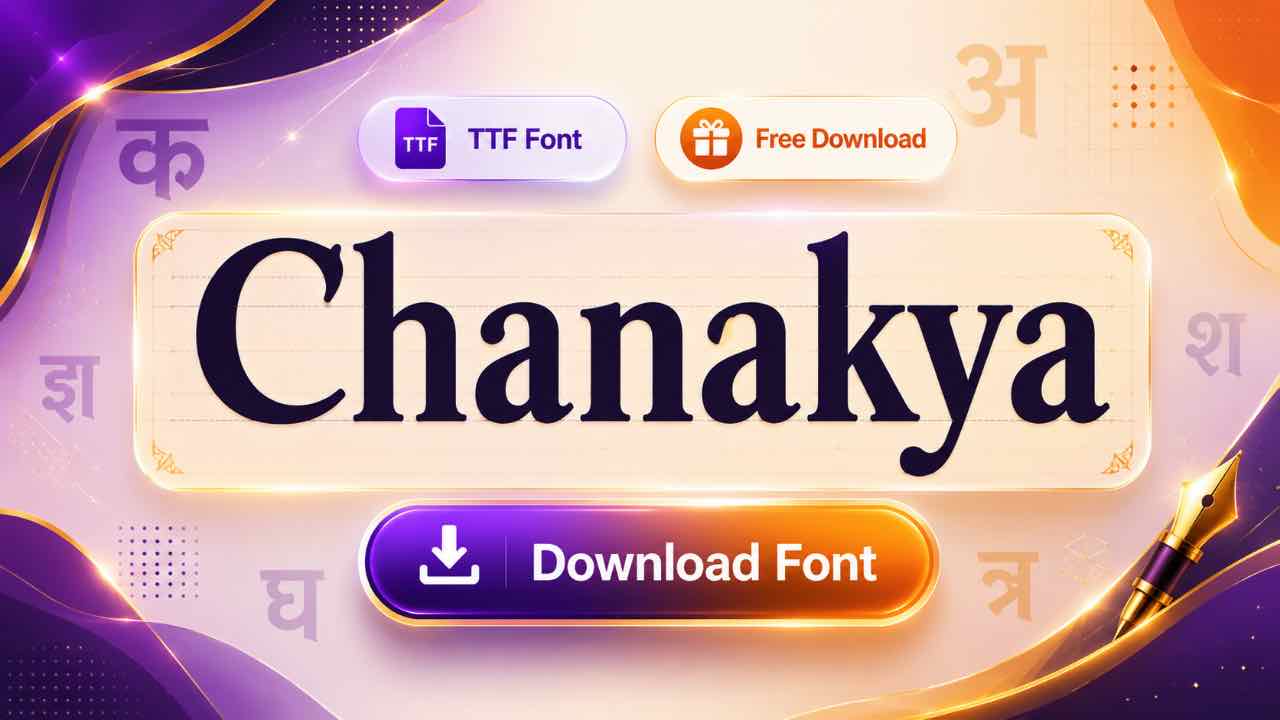
If you work in Hindi publishing or design, chances are someone’s asked you for a file “in Chanakya font.” This guide covers the download, the install steps, and one detail that trips up almost everyone searching for this font.
What Is the Chanakya Font?
Chanakya is a non-Unicode Devanagari font that’s been a fixture in Hindi publishing since the 1990s. Like Kruti Dev, it maps English keyboard keys to Hindi characters instead of using standard Unicode codes. Its home base is different, though: newspapers, magazines, and print design studios, not government exam halls.
Free Chanakya Font Download
The font comes as a small TTF or PFB file, ready to install on Windows, Mac, or Linux. Grab it from a direct download source, skip anything bundling extra software, and you’ll have it running in your DTP tool within a minute.
- 20 Best Modern Devanagari Fonts: Free Download Collection for Designers
- Download All Devanagari Fonts: Free Collection ZIP Pack
- Kokila Font Download: Free Guide for Hindi Documents
- Aparajita Font Download: Free Guide for Hindi Documents
- Mangal Font Download: Free Guide for Unicode Hindi Typing
- Krishna Font Download: Free Guide for Hindi Typing
- Shivaji Font Download: Free Guide for Marathi Typing
- Shusha Font Download: Free Guide for Phonetic Typing
Why Walkman Chanakya Is the Version You Actually Want
Here’s something worth knowing before you download anything: the original Chanakya font isn’t actually free. It ships with paid software called Summit Indica, and using it properly means buying a license.
What most people end up downloading instead is Walkman Chanakya, a free alternative that works the same way and has become the real industry standard for Hindi DTP work. So when you search for a free Chanakya font, Walkman Chanakya (often labeled 901 or 905) is almost certainly what you want. It installs like any other TrueType font and needs no extra software to type with.
Installing Chanakya on Windows, Mac, or Linux
- Download the font file and extract it if it’s zipped.
- Right-click the TTF file and select Install on Windows.
- Double-click the file and confirm in Font Book on Mac.
- On Linux, copy the file into your local fonts folder.
Restart your design software afterward so Walkman Chanakya shows up in the font list.

Where Chanakya Shows Up in Real Work
This font’s real home is the newspaper and magazine industry. DTP operators use it daily in CorelDraw, PageMaker, InDesign, and QuarkXpress to lay out Hindi newspaper pages, tabloids, and book content. Graphic designers reach for it when building Hindi banners, posters, and ad creatives.

Government press offices also use it for Gazettes and older official documents. It turns up occasionally in state typing tests too, though far less often than Kruti Dev or DevLys.
Typing with the Chanakya Keyboard Layout
Good news if you already type in Kruti Dev: the Chanakya keyboard layout is nearly identical, built on the same Remington typewriter mapping. Home-row keys hold the common consonants, and Shift brings out aspirated sounds and extra matras.
Switching between the two fonts takes barely any adjustment once your fingers know the Remington positions.
Converting Chanakya Text to Unicode
Chanakya isn’t Unicode, so it turns to gibberish the moment it lands on a website, app, or phone without the font installed. A Chanakya to Unicode converter solves this in seconds, turning legacy text into clean Mangal Unicode. The reverse works too, handy when a newspaper or print house needs copy delivered back in Walkman Chanakya format.
Frequently Asked Questions
Is Chanakya Font Free to Download?
Walkman Chanakya, the version almost everyone uses, is free. The original Chanakya font tied to Summit Indica software requires a paid license.
How Does Walkman Chanakya Differ from Original Chanakya?
Both use the same keyboard mapping and produce nearly identical Hindi output. The real difference is cost and software: Walkman Chanakya is free and needs nothing extra, while the original requires Summit Indica.
Which Software Uses Chanakya Font?
CorelDraw, PageMaker, InDesign, and QuarkXpress are the most common DTP programs where Chanakya shows up, alongside MS Word for general typing.
Does Chanakya Work Like Kruti Dev?
Yes. Both fonts share the Remington keyboard layout, so typing skills transfer almost directly between them.
Final Thoughts on the Chanakya Font
Chanakya earned its place in Hindi publishing long before Unicode existed, and DTP studios still reach for it today. Download Walkman Chanakya, install it properly, and you’ll have the exact font Hindi newspapers and design studios have relied on for decades.