
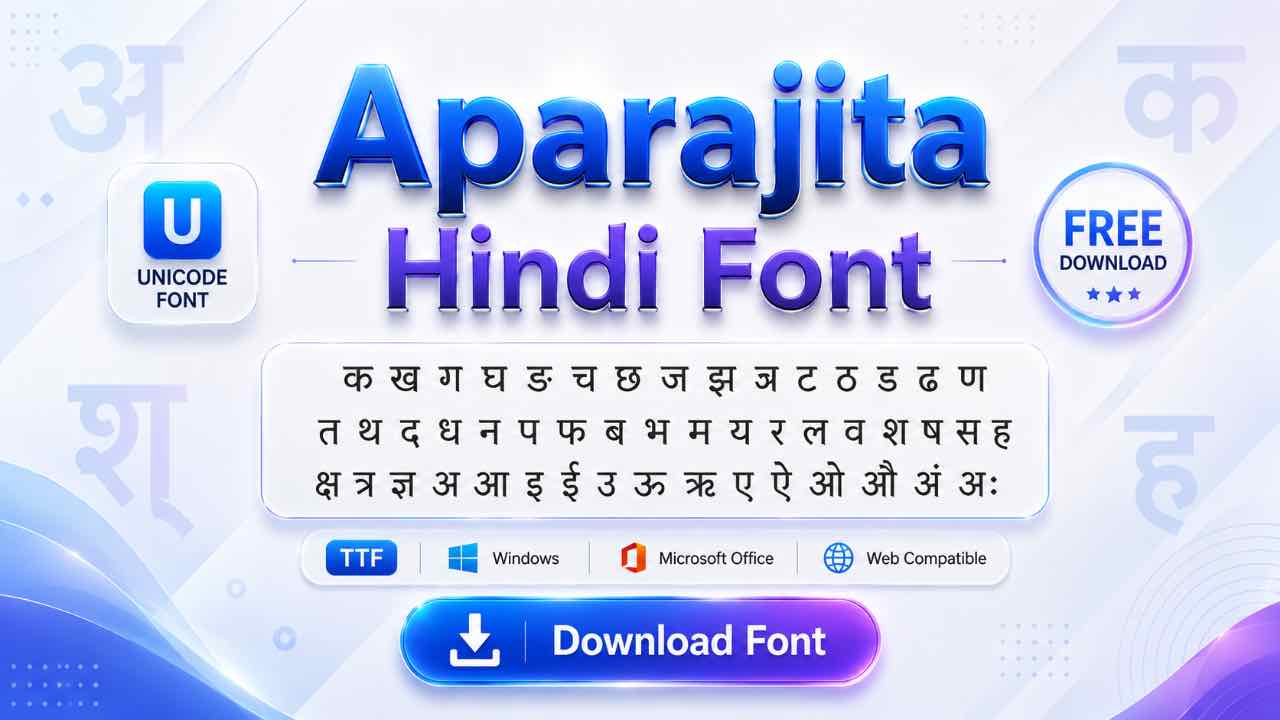
Mangal isn’t the only Unicode font sitting on your Windows system, and it isn’t always the right one for the job either. This guide covers the Aparajita download, how it stacks up against Mangal, and when it’s actually the better choice.
What Is the Aparajita Font?
Aparajita is a Unicode Devanagari font from Microsoft, built specifically for displaying Hindi text in documents rather than interface menus. It comes pre-installed on Windows 7 and later, alongside Mangal, and it’s also bundled with Microsoft Office. Like Mangal, it uses standard Unicode code points, so any device with a Devanagari font can read text written in it.
Free Aparajita Font Download
Aparajita usually ships with Windows already, but it’s worth downloading directly on Mac, Linux, or an older system where it might be missing. The file is free, lightweight, and installs like any standard font.
How Aparajita Differs from Mangal
Both fonts are Microsoft-made, both are Unicode, and both come pre-installed on modern Windows. The real difference comes down to purpose. Mangal was built as a UI font, meant for menus, labels, and short text on screen. Aparajita was built for documents, so its letterforms read more comfortably in longer paragraphs and formal writing.
Aparajita also comes in a full four-style family: Regular, Italic, Bold, and Bold Italic. That’s rare among Hindi fonts, since most legacy and Unicode options skip a proper italic altogether.
- 20 Best Modern Devanagari Fonts: Free Download Collection for Designers
- Download All Devanagari Fonts: Free Collection ZIP Pack
- Kokila Font Download: Free Guide for Hindi Documents
- Aparajita Font Download: Free Guide for Hindi Documents
- Mangal Font Download: Free Guide for Unicode Hindi Typing
- Krishna Font Download: Free Guide for Hindi Typing
- Shivaji Font Download: Free Guide for Marathi Typing
- Shusha Font Download: Free Guide for Phonetic Typing
Installing Aparajita on Windows, Mac, or Linux
- Download the font file and extract it if it’s zipped.
- Right-click the TTF file and select Install on Windows.
- Double-click and confirm in Font Book on Mac.
- On Linux, copy the file into your local fonts folder.
Check your existing font list first, since Windows 7 and later usually already include Aparajita by default.

Typing in Aparajita with Inscript or Remington Gail
Installing the font doesn’t let you type Hindi by itself, the same rule that applies to Mangal. You need a Hindi input method active alongside it. Inscript is the standard government-approved keyboard built into Windows, while Remington Gail suits anyone switching over from a typewriter-style legacy font like Kruti Dev.

Once your input method is set, Aparajita displays whatever you type using its own document-friendly letterforms.
Using Aparajita in Mobile and Design Apps
Since Aparajita is Unicode, phones and apps generally display Hindi text correctly without needing the font imported. This works as long as you’re typing through a Hindi keyboard. Kinemaster, CapCut, and PixelLab all handle Unicode Devanagari text by default.
Import the Aparajita TTF directly into these apps only if you want its specific letterforms for design work. It’s the same process you’d use for any custom font.
Switching Legacy Fonts to Aparajita Unicode
Old Kruti Dev or DevLys files convert to Unicode through the same converter tools either way, and most output Mangal by default. If you’d rather end up with Aparajita’s document-style letterforms, convert to Unicode first, then simply change the font to Aparajita afterward. The underlying Unicode text stays identical no matter which Devanagari font displays it.
Frequently Asked Questions
Is Aparajita Font Free to Download?
Yes, it’s free for personal and professional use, with no license fee required.
Which Is Better: Aparajita or Mangal?
Neither is objectively better; they suit different jobs. Mangal fits UI text and typing tests, while Aparajita reads better in long-form documents and formal writing.
Does Aparajita Support Italic Text?
Yes, and this is one of its strengths. Aparajita comes in Regular, Italic, Bold, and Bold Italic, a full style family that many Hindi fonts don’t offer.
Can I Use Aparajita for Government Exams?
Check your specific exam notification first. Most current typing tests name Mangal directly, so confirm before assuming Aparajita will be accepted.
Final Thoughts on the Aparajita Font
Aparajita covers the job Mangal doesn’t do quite as well: comfortable, formal Hindi text for documents, complete with proper italics. Download it if it isn’t already on your system, and pair it with Inscript or Remington Gail for typing. Use it anywhere Hindi text needs to read like it belongs in print.