
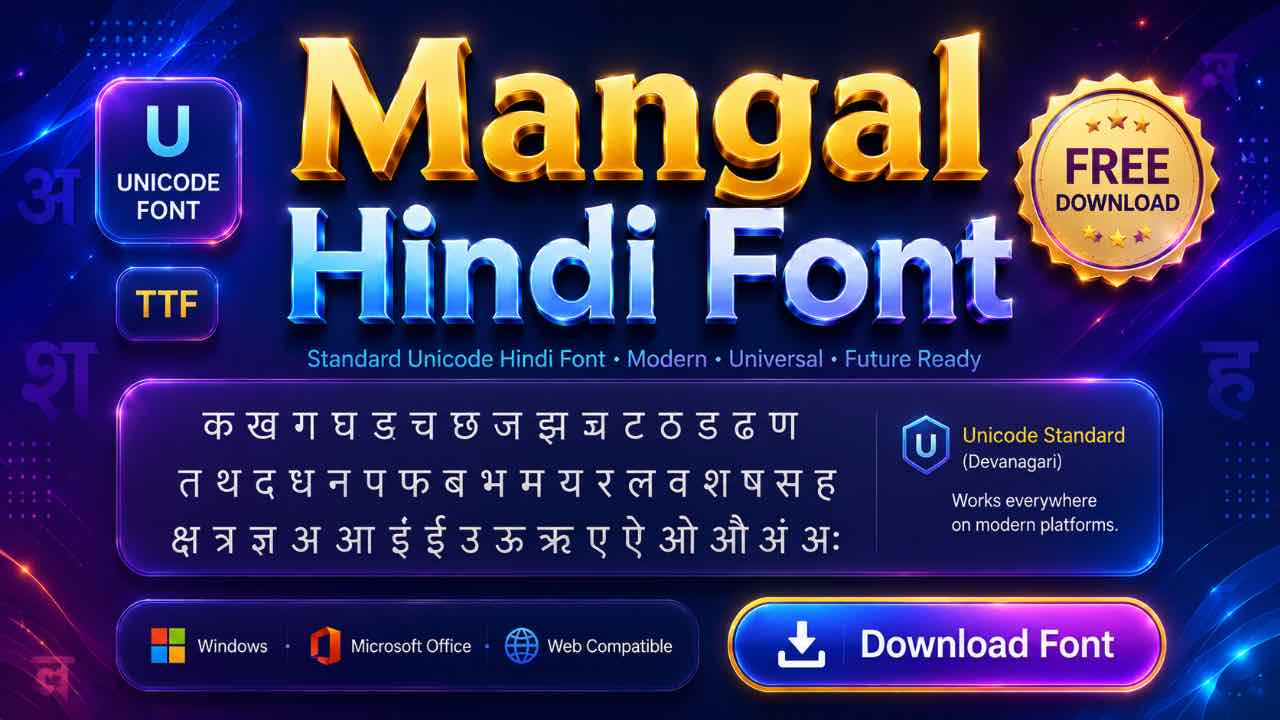
Every font earlier on this list eventually runs into the same wall: install it on one device, and it looks broken on the next. Mangal is the font that fixed that problem. This guide covers the download, why exams switched to it, and how to actually type Hindi once it’s installed.
What Is the Mangal Font?
Mangal is a Unicode Devanagari font built by Microsoft, first released with Windows Server 2003 and bundled with Windows ever since. Unlike every other font on this list, Mangal doesn’t map English keys to custom glyphs. It uses standard Unicode code points instead. The text it produces reads correctly on any device with a Devanagari font installed, not just devices that happen to have Mangal specifically.
Free Mangal Font Download
Mangal usually comes pre-installed on Windows. Still, it’s worth grabbing the file directly on an older system, a fresh install, Mac, or Linux, where it isn’t guaranteed to be there. The download is free and installs like any standard TTF file.
- 20 Best Modern Devanagari Fonts: Free Download Collection for Designers
- Download All Devanagari Fonts: Free Collection ZIP Pack
- Kokila Font Download: Free Guide for Hindi Documents
- Aparajita Font Download: Free Guide for Hindi Documents
- Mangal Font Download: Free Guide for Unicode Hindi Typing
- Krishna Font Download: Free Guide for Hindi Typing
- Shivaji Font Download: Free Guide for Marathi Typing
- Shusha Font Download: Free Guide for Phonetic Typing
- Chanakya Font Download: Free Guide for DTP & Typing
- DevLys 010 Font Download: Free Guide for Typing Tests
Why Mangal Replaced Kruti Dev in Government Exams
For years, Kruti Dev and DevLys ran the show in Hindi typing tests. That’s changed. Most current SSC, UPSC, and state-level exams now specify Mangal as the required font, since it’s the official Unicode standard for digital Hindi across government systems.
The shift makes sense from the government’s side. Mangal text displays correctly everywhere, works across departments and software without compatibility headaches, and doesn’t depend on every office having one specific legacy font installed.
Installing Mangal on Windows, Mac, or Linux
- Download the font file and extract it if it’s zipped.
- Right-click the TTF file and select Install on Windows.
- Double-click and confirm in Font Book on Mac.
- On Linux, copy the file into your local fonts folder.
Since Mangal is often already present on Windows, check your font list first. Search for Mangal in your font menu before downloading a duplicate copy.

Typing in Mangal with Inscript or Remington Gail
Here’s the part that surprises people coming from Kruti Dev: installing Mangal alone doesn’t let you type Hindi. Mangal is just the font that displays the characters. You still need a Hindi input method to produce them, and there are two common choices.

Inscript is the Indian government’s official keyboard, built on a phonetic and logical layout, and it comes built into Windows once enabled. Remington Gail mimics the old typewriter-based Kruti Dev layout but outputs proper Unicode instead of legacy glyphs, which makes it the easier switch for anyone retraining from Kruti Dev.
Using Mangal Font on Mobile and in Design Apps
Good news here: since Mangal is Unicode, most phones and apps already display Hindi text correctly without needing the font imported at all. This works as long as you’re typing through a Hindi keyboard like Gboard. Kinemaster, CapCut, and PixelLab all render Unicode Devanagari text out of the box.
If you specifically want the Mangal letterforms rather than whatever default Devanagari font an app uses, you can still import it. Use the same font or text settings you’d use for any custom font.
Turning Old Kruti Dev Files into Mangal Unicode
A huge amount of Hindi content out there still exists in Kruti Dev or DevLys format from years of government and office use. A Kruti Dev to Mangal converter fixes this instantly, turning old legacy files into clean Unicode text that displays correctly on modern websites, apps, and social media. This is one-way traffic in practice, since almost nobody needs to convert Mangal back into a legacy font anymore.
Frequently Asked Questions
Is Mangal Font Free to Download?
Yes, it’s completely free, with no license fee for personal or professional use.
How Do I Fix Mangal Typing in English Instead of Hindi?
Switch your input language to Hindi first, usually with Windows key + Spacebar, and make sure a Hindi keyboard like Inscript is enabled. The font alone won’t produce Hindi text.
Which Exams Require Mangal Font?
Most current SSC, UPSC, and state government typing tests specify Mangal as the official standard, replacing older Kruti Dev-based tests.
Does Mangal Work the Same Way in Kinemaster or CapCut?
Mostly, yes, though you often don’t need to import it at all. Both apps display Unicode Hindi text by default, so Mangal only matters if you want its specific letterforms.
Final Thoughts on the Mangal Font
Mangal solved the problem every other font on this list eventually ran into: compatibility. Install it if your system doesn’t already have it, and pair it with Inscript or Remington Gail for typing. You’ll have the exact font that’s replacing legacy Hindi fonts across government exams and everyday use alike.