
Create an ID Photo using Ai Nano Banana

Create an ID Photo using Ai

How to create this in Google’s Nano Banana Follow these steps Open Google Gemini Select Nano Banana icon ๐ŸŒ Upload your photo Copy and paste this prompt Prompt: Copy Crop the head and create a 2-inch ID photo with: 1. Blue background 2. Professional business attire 3. Frontal face 4. Slight smile
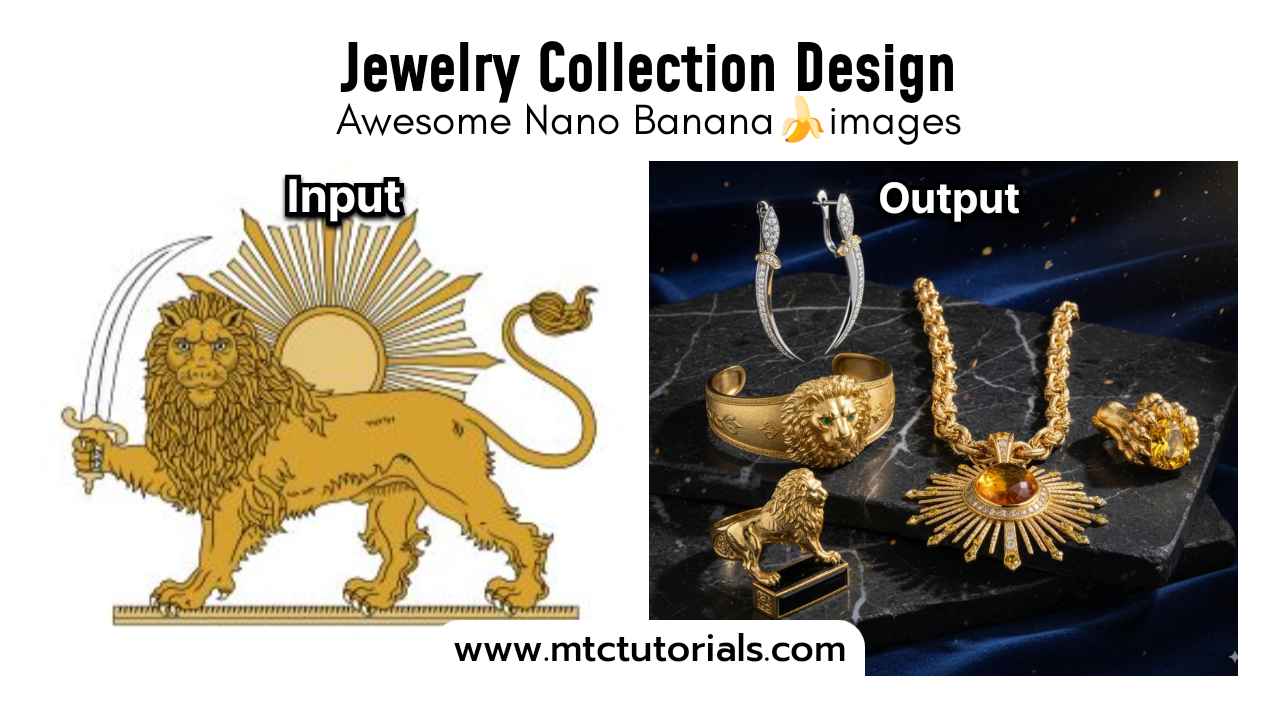
Jewelry Collection Design using Gemini

Jewelry Collection Design using Gemini

Input: Need to upload a reference image as the object for generating the figure Copy Transform this image into a 5-piece jewelry collection. How to Install Google Gemini & Use Nano Banana Install Google Gemini Android: Update the Google app → open it → switch on Gemini at the top. Desktop: Go to gemini.google.com and … Read more

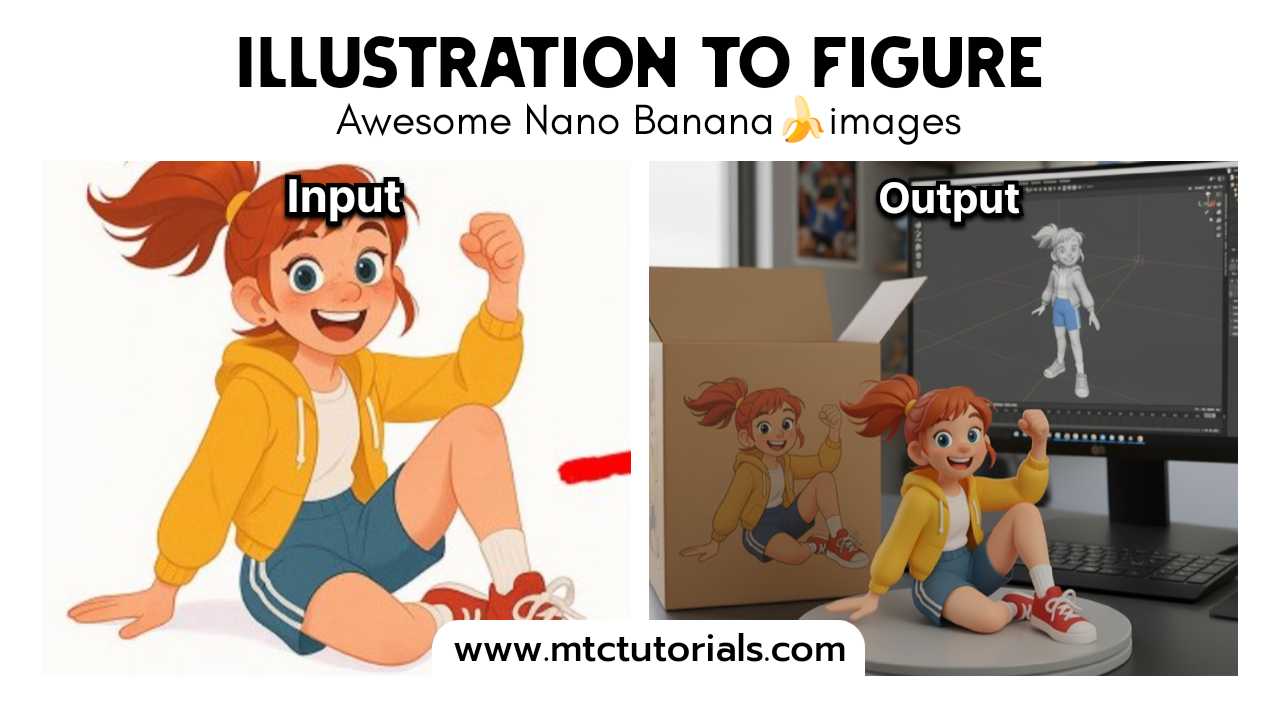
Illustration to Figure with Gemini Nano Banana Prompts

Input: Need to upload a reference image as the object for generating the figure Copy turn this photo into a character figure. Behind it, place a box with the character’s image printed on it, and a computer showing the Blender modeling process on its screen. In front of the box, add a round plastic base … Read more