
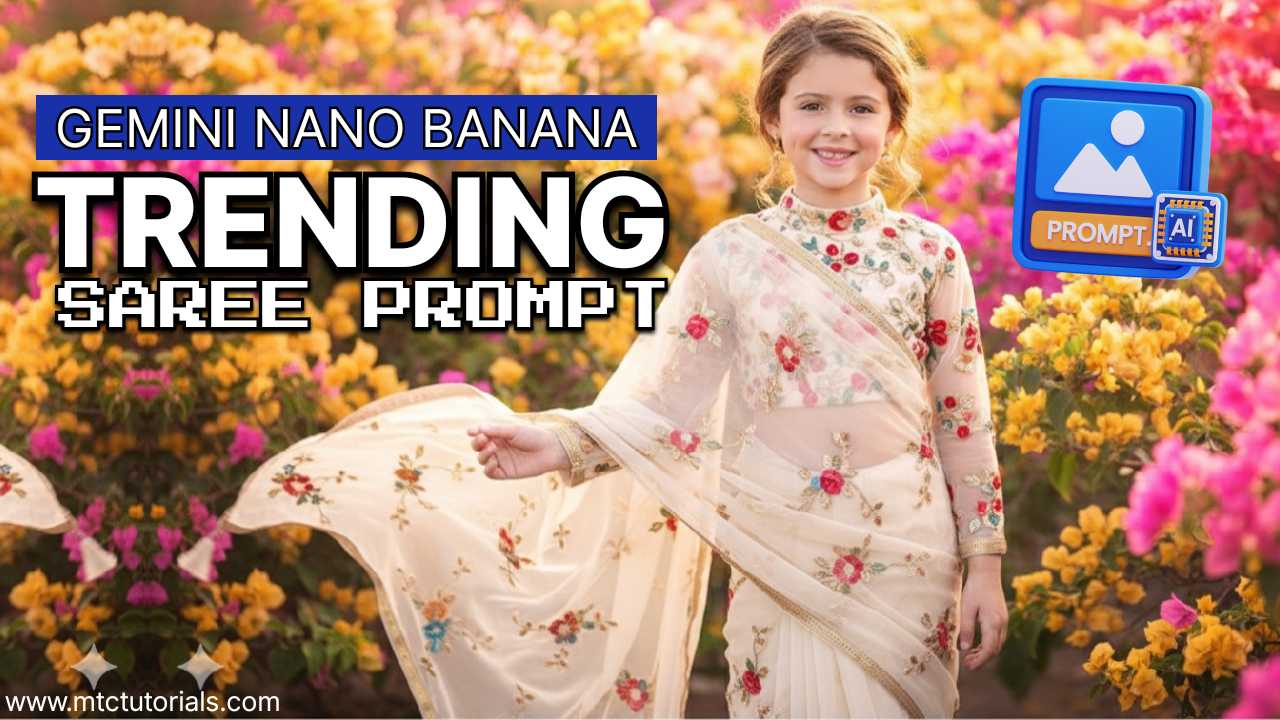
How to create this in Google’s Nano Banana
Follow these steps
- Open Google Gemini
- Select Nano Banana icon 🍌
- Upload your photo
- Copy and paste this prompt
Prompt:
Turn the uploaded image into a full-length shot of a girl wearing a sheer, cream-colored chiffon saree. The saree is adorned with delicate, multi-colored floral embroidery scattered across the fabric. She is wearing a matching, high-neck blouse with long sleeves and a keyhole cutout at the back. The look is completed with simple stud earrings and her hair neatly tied back.