
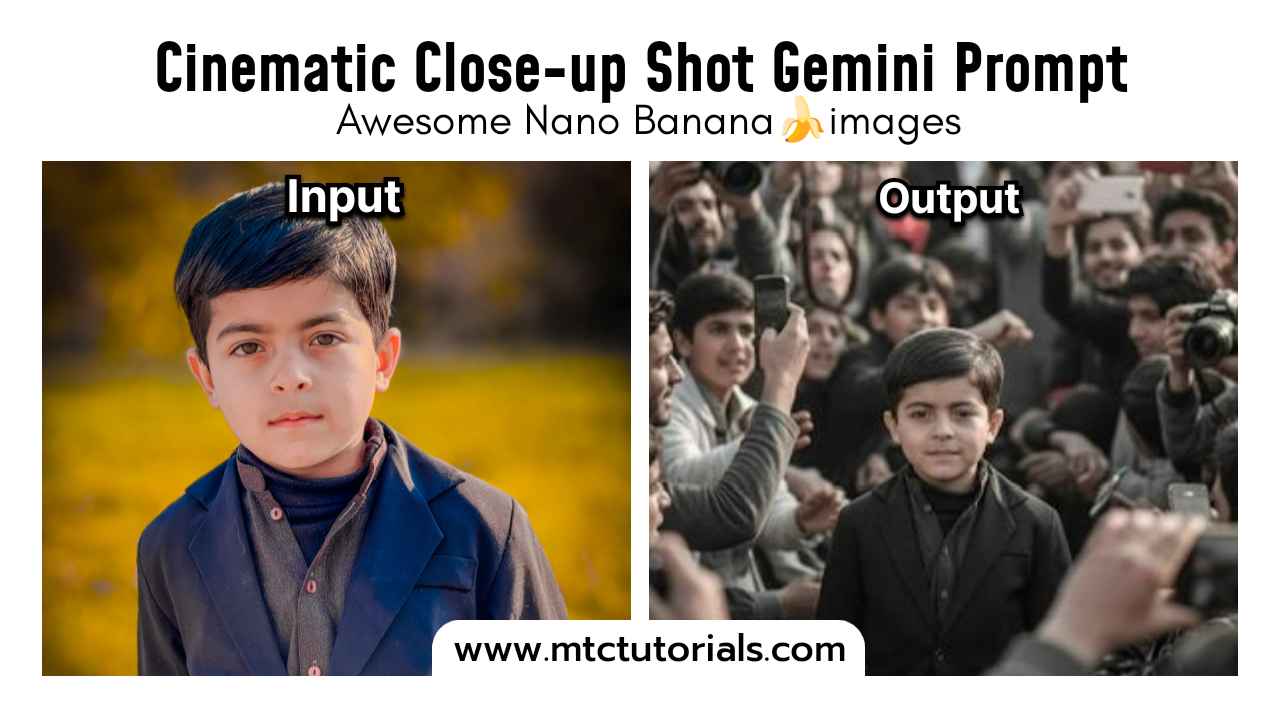
How to create this in Google’s Nano Banana
Follow these steps
- Open Google Gemini
- Select Nano Banana icon 🍌
- Upload your photo
- Copy and paste this prompt
MTC Prompt:
create a highly photorealistic cinematic close-up shot of a person based on the reference image. keep the same facial structure,hairstyle,and overall appearance as the person in the 5 years old kid photo. this person is relaxing in a cozy coffee café, savoring a specialty coffee while gazing thoughtfully out the rain-covered window. The scene feels like a film still: golden café lights glowing softly in the background, blurred silhouettes of people passing outside, and rain droplets catching reflections of neon signs. Her expression is calm and contemplative, framed by the warm indoor light against the cool rainy street tones. Captured in HDR with a Canon EOS DSLR, shallow focus with creamy bokeh, rich film-like color grading, balanced highlights and shadows, cinematic depth and storytelling atmosphere. Ultra-realistic textures and immersive detail, evoking a timeless movie moment.