
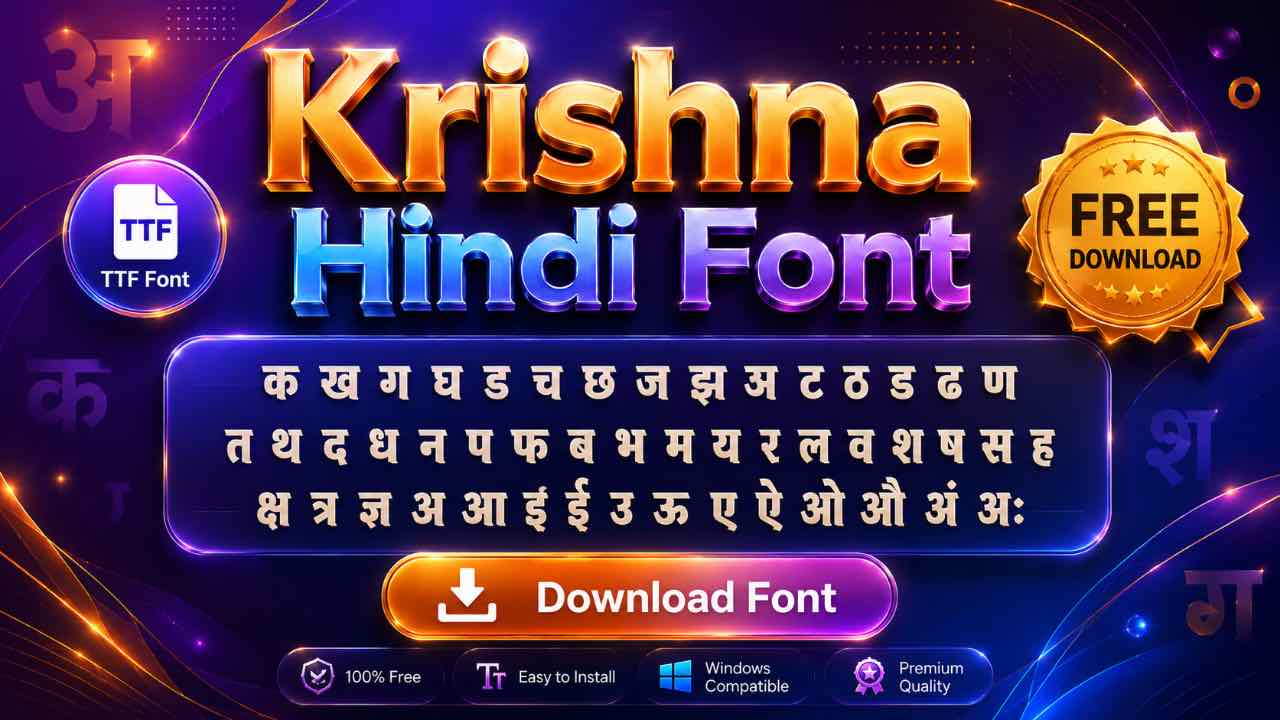
Krishna has stayed near the top of every Hindi font download list for years, without ever needing a government exam board to make it famous. This guide covers the download, the install steps, and how to get it working on your phone too.
What Is the Krishna Font?
Krishna is a non-Unicode Devanagari font named after Lord Krishna, and it’s been one of the most downloaded Hindi fonts for years. Like Kruti Dev and DevLys, it maps English keys to Hindi characters instead of relying on standard Unicode codes. It also comes in a small family of styles, including bold and italic versions.
Free Krishna Font Download
The font is free, lightweight, and installs in seconds on any device. Grab it from a direct download source, and skip anything bundling extra software. It’ll be ready to use in Word, PowerPoint, or your design app right away.
- Kokila Font Download: Free Guide for Hindi Documents
- Aparajita Font Download: Free Guide for Hindi Documents
- Mangal Font Download: Free Guide for Unicode Hindi Typing
- Krishna Font Download: Free Guide for Hindi Typing
- Shivaji Font Download: Free Guide for Marathi Typing
- Shusha Font Download: Free Guide for Phonetic Typing
- Chanakya Font Download: Free Guide for DTP & Typing
- DevLys 010 Font Download: Free Guide for Typing Tests
- Kruti Dev 010 Font Download: Free Guide for Typing Tests
- All Shree Dev Fonts pack free download
Where This Font Gets Used Most
Krishna built its popularity around everyday Hindi writing rather than one specific exam board. Bloggers, magazine writers, and students use it for general documents, and it shows up often in Hindi PowerPoint presentations and simple design work. It doesn’t carry the same government-exam weight as Kruti Dev or DevLys, but its everyday versatility keeps it near the top of every Hindi font download list.
Installing Krishna on Windows, Mac, or Linux
- Download the font file and extract it if it’s zipped.
- Right-click the TTF file and select Install on Windows.
- Double-click and confirm in Font Book on Mac.
- On Linux, copy the file into your local fonts folder.
Restart your word processor or design app afterward so Krishna shows up in the font list.
Typing with the Krishna Keyboard Layout
Krishna follows the same typewriter-style tradition as other legacy Hindi fonts, mapping Hindi characters to English keys rather than using a phonetic system. Most downloads include a character map alongside the font file, worth keeping open in a second tab while you get used to the key positions.
If you already type in Kruti Dev, expect some overlap, though it’s worth double-checking the character map since the two fonts don’t map every key identically.

Using Krishna Font in Mobile Apps
Editing on a phone? Krishna installs into apps like Kinemaster, CapCut, and PixelLab the same way any custom TTF font does. You import the file directly inside the app rather than through your phone’s system settings. The exact steps differ slightly between apps, so check the full mobile font guide for a walkthrough of all three.
(Link to: How to Add Hindi Fonts in Kinemaster, CapCut & PixelLab)
Converting Krishna Text to Unicode
Krishna text turns unreadable on any device or platform that doesn’t have the font installed. A Krishna to Unicode converter solves this fast, changing old Krishna files into clean Mangal Unicode that displays correctly everywhere, from websites to WhatsApp. The reverse conversion works too, useful if you need to hand off a file to someone still working in the old font.
Frequently Asked Questions
Is Krishna Font Free to Download?
Yes, it’s free for personal and professional use, with no license fee required.
Which Devices Support Krishna Font?
Windows, Mac, Linux, Android, and iOS all support Krishna once the font file is installed correctly.
Can I Use Krishna Font on Kinemaster or CapCut?
Yes. Both apps let you import custom TTF fonts directly, so Krishna works the same way it does in any design software.
Does Krishna Work Like Kruti Dev?
Similarly, yes, since both are non-Unicode fonts built on a typewriter-style key mapping. The exact key positions aren’t identical, though, so a quick look at Krishna’s character map helps before you start typing at speed.
Final Thoughts on the Krishna Font
Krishna earned its place through everyday use rather than one big exam board naming it. Download it, install it properly, and it’ll handle Hindi blogs, presentations, and design text just as well today as it did years ago.